FeaturedGetting Started
Getting Started with Presentify: Your Complete Guide
Learn how to set up and use Presentify to create engaging presentations, tutorials, and screen recordings on your Mac.
5 min read
Read the story
App updates, presentation tips, and productivity guides.
Learn how to set up and use Presentify to create engaging presentations, tutorials, and screen recordings on your Mac.

Looking for ZoomIt for Mac? See why Presentify is a polished Mac-native alternative for zooming, annotating, spotlighting, and keeping audiences focused.

Learn how to use Presentify's Cursor Highlight feature to make your pointer visible during presentations, demos, tutorials, meetings, and recordings.
Learn how to use Presentify's Spotlight feature to dim distractions, guide attention, keep audiences focused, and present more clearly on Mac.

Learn how to use Presentify's Zoom feature to magnify small text, interface details, code, charts, and slides during presentations and screen shares.
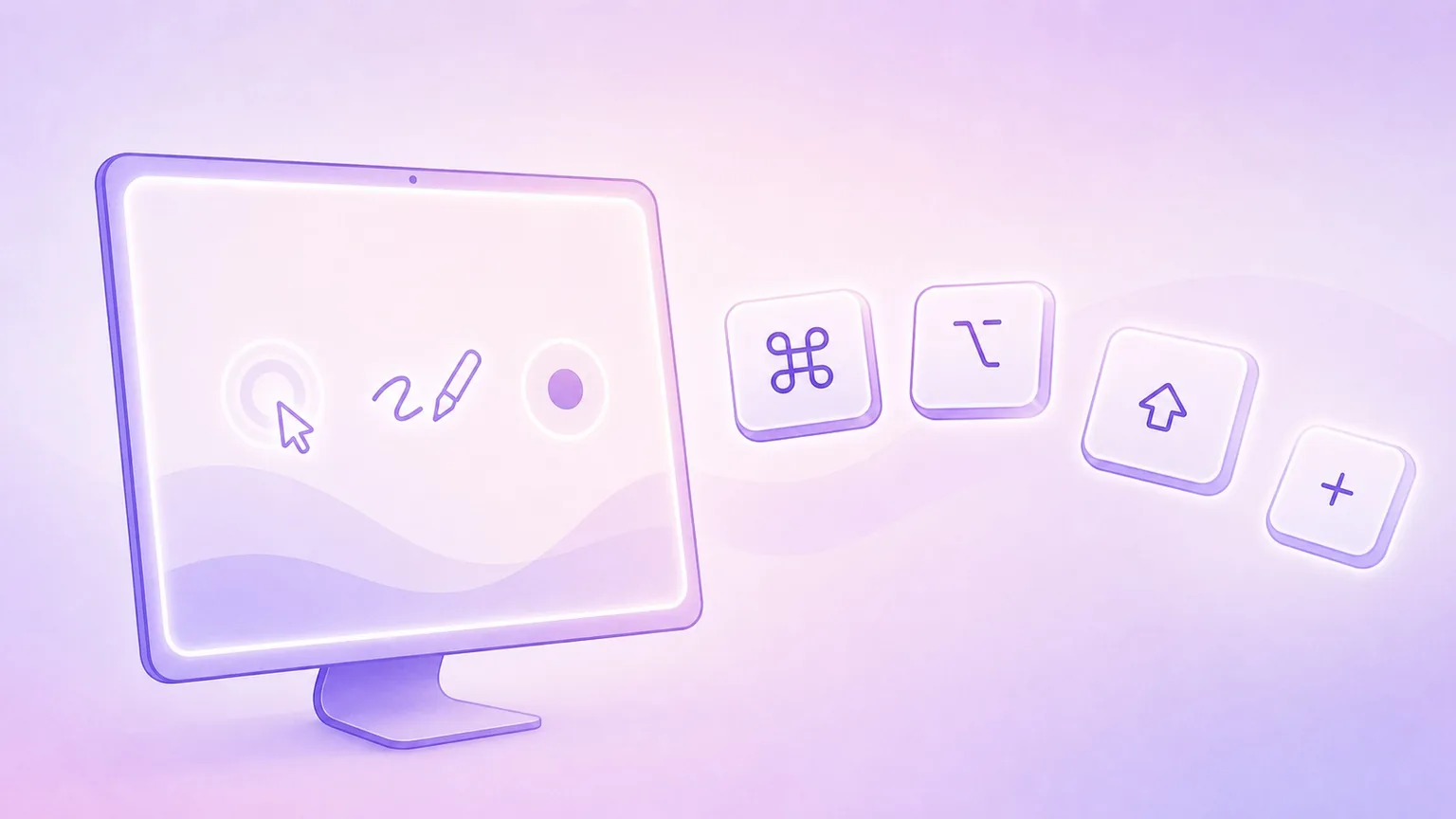
Master Presentify's keyboard shortcuts to annotate your screen, highlight your cursor, spotlight key areas, and zoom during presentations on macOS.

Build a smooth Mac presentation stack by pairing a presenter remote with annotation and screen share software.
You can download the app from the Mac App Store, the Setapp marketplace, or directly from our website.
Prefer the terminal?